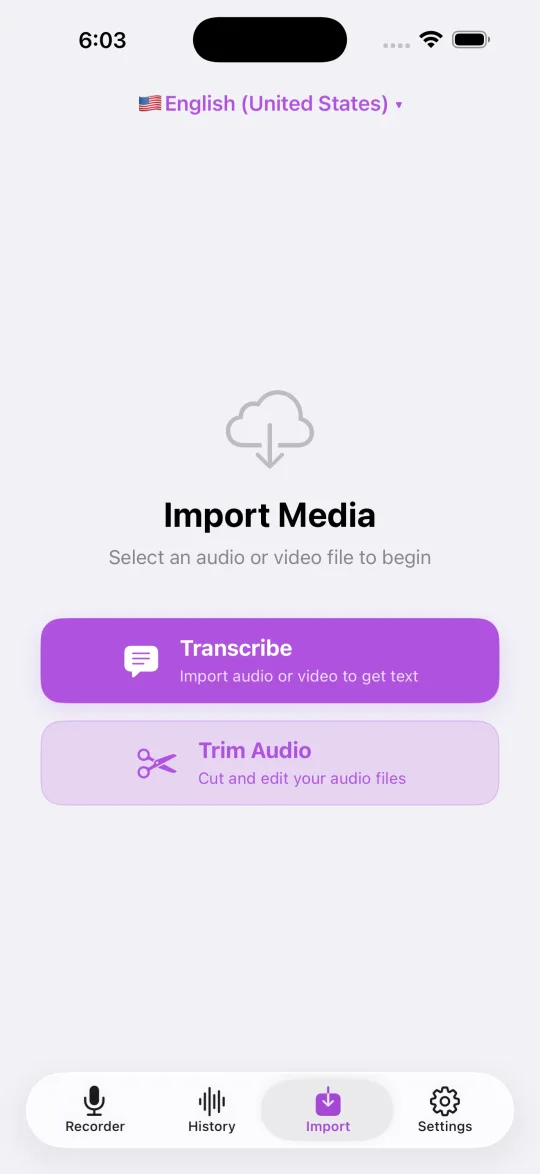
Import audio and video
Pick a file from Files or Photos and transcribe its audio right in the app.
 Voice Recorder
Capture a meeting, an interview, or an idea. Turn the audio into searchable text and pull out the points you want to remember.
Download on the App Store For iPhone & iPad · Free to download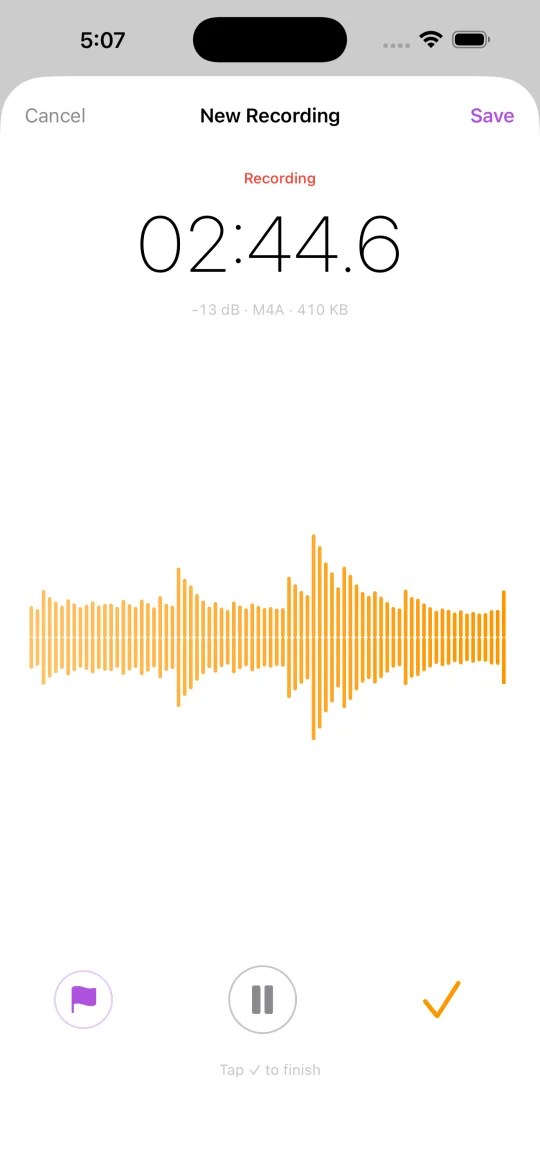
Start with a new recording or bring a file you already have.
Pick a file from Files or Photos and transcribe its audio right in the app.
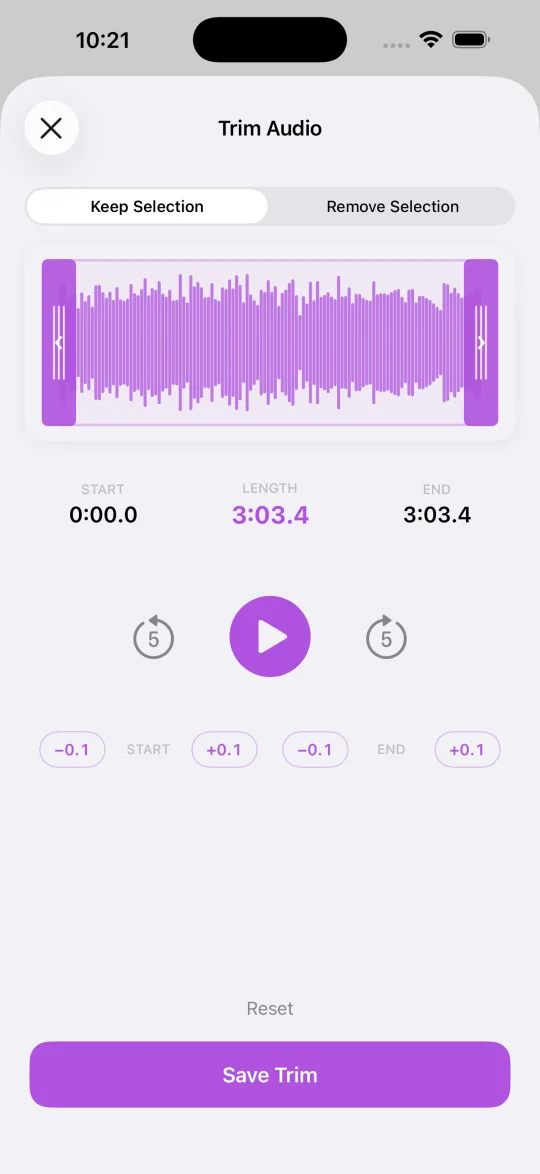
Use the waveform to keep a selection or remove it, and preview the cut before saving.
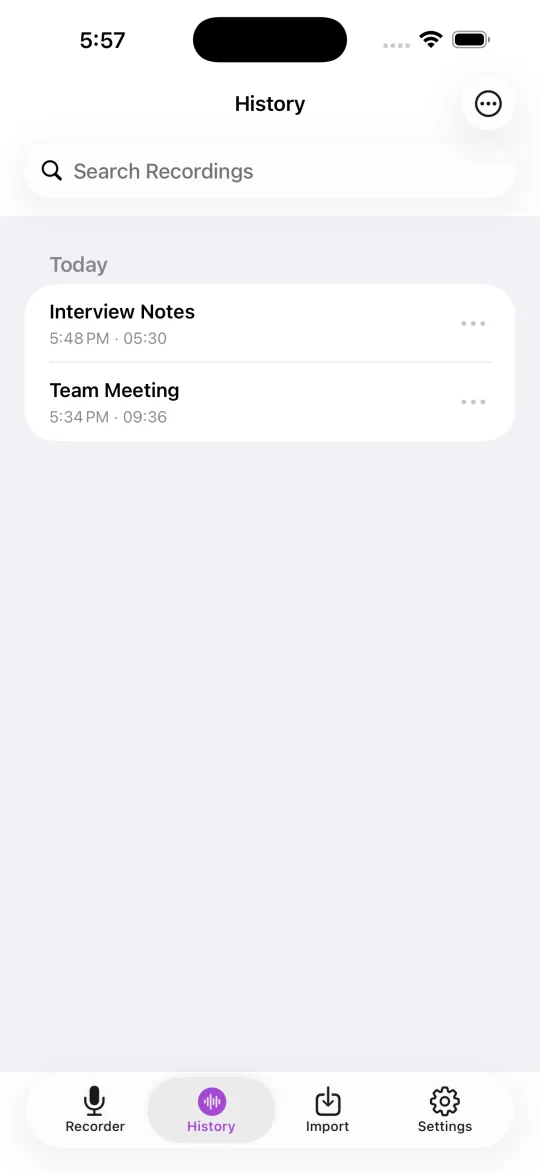
Search your history by recording title or words in a saved transcript.
Pause and resume a recording, or bring in an audio or video file.
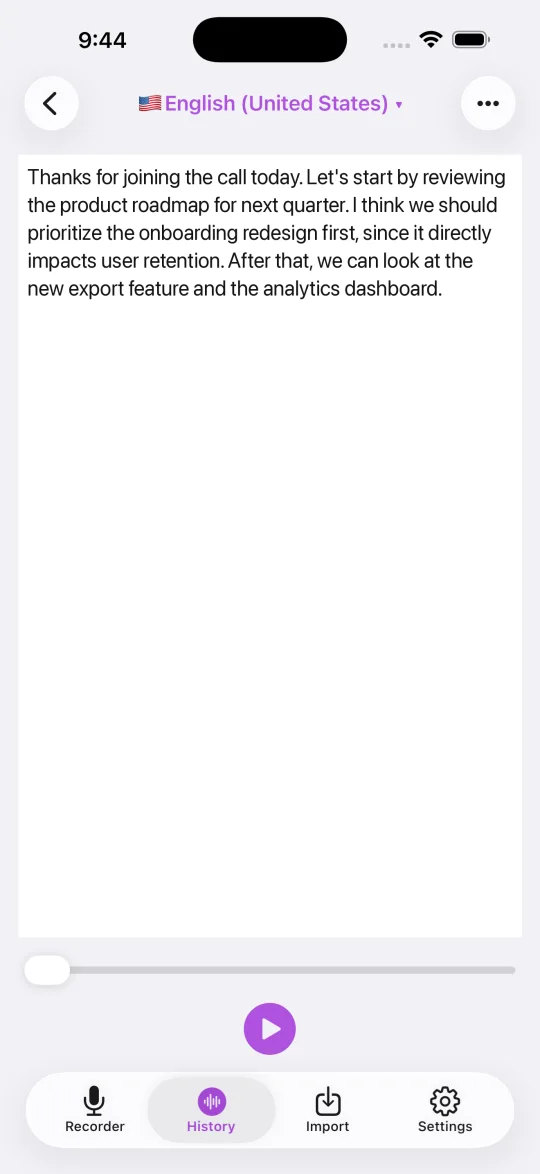
Choose the spoken language, turn the audio into text, and edit any wording.
Use an AI summary to review key points. Export the transcript as TXT, SRT or PDF.
Example AI summary
Voice Recorder is designed for iPhone and iPad. It requires iOS 16 or iPadOS 16 or later.
On-device transcription depends on your device, iOS version and selected language. AI summaries require an internet connection and send the transcript text to the summary service.
Yes. Open the Import tab and choose an audio or video file from Files or Photos.
The app is free to download. Some features have free usage limits, with Premium available through in-app purchases.
Yes. You can sync recordings across your devices with iCloud and protect access to the app with an app lock.
Download Voice Recorder for iPhone and iPad.
Download on the App Store